File formats
Not sure whether to pick STL, 3MF or STEP? Pick STL for a one-color print in any slicer, and 3MF for colors or a bin with a lid. Pick STEP to edit the part in a CAD program. Each export in the Gridfinity Layout Tool can write all three, and this page shows what each one holds.
Compare the formats
| Format | What it holds | Pick it when |
|---|---|---|
| STL | The surface of the part as triangles. No colors and no part names. | You print in one color, in any slicer |
| 3MF | Triangles, part names, and a color for each triangle. Several parts can share one file. | You print in several colors, or want a lid or dividers in one file |
| STEP | The exact solid shape, with no triangles | You want to edit the part in a CAD program |
STL
An STL file holds one part. A bin can have more parts, such as a lid, removable dividers or feet. The STL export of such a bin is a ZIP with one file for each part. An STL file keeps the position where the Layout Tool built the part.
3MF
A 3MF file holds all the parts of a bin in one file, each with its name. It also carries the color of each zone of a multi-color bin. See Multi-color printing.
A 3MF part lands at the center of a 256 by 256 mm bed. On a smaller bed the part can sit off center, so move it in your slicer.
The file also stores the layer height, the infill and the print estimate. It doesn't include a slicer print profile, so your slicer keeps your own profile. See Slicer setup.
STEP
A STEP file holds the exact solid, not a mesh. Use it when you want to change the part in a CAD program. A bin with a lid or dividers exports as one STEP file that holds all the parts. STEP files carry no colors.
You can't export STEP in these cases:
- A bin with a cutout from an imported mesh. The Layout Tool cuts that shape from the mesh, so no solid describes it.
- A design that is an imported mesh. The layout ZIP skips these designs when you pick STEP.
- A stacked baseplate. A STEP export of a baseplate never stacks.
Which tools export which formats
| Tool | Formats | Good to know |
|---|---|---|
| Bin designer | 3MF, STL, STEP | Also Download design JSON, the editable design for import or sharing. It is not a printable model. |
| Baseplate generator | 3MF, STL, STEP | A split plate exports as a ZIP. |
| Layout editor, Export | 3MF, STL, STEP | One ZIP for the whole layout. A 3MF export is one project file. |
| Workshop builds | 3MF, STL, STEP | See Workshop. |
| Cutout fit test | 3MF, STL, STEP | No STEP for an outline print or for imported mesh cutouts |
Choose the format in the export dialog
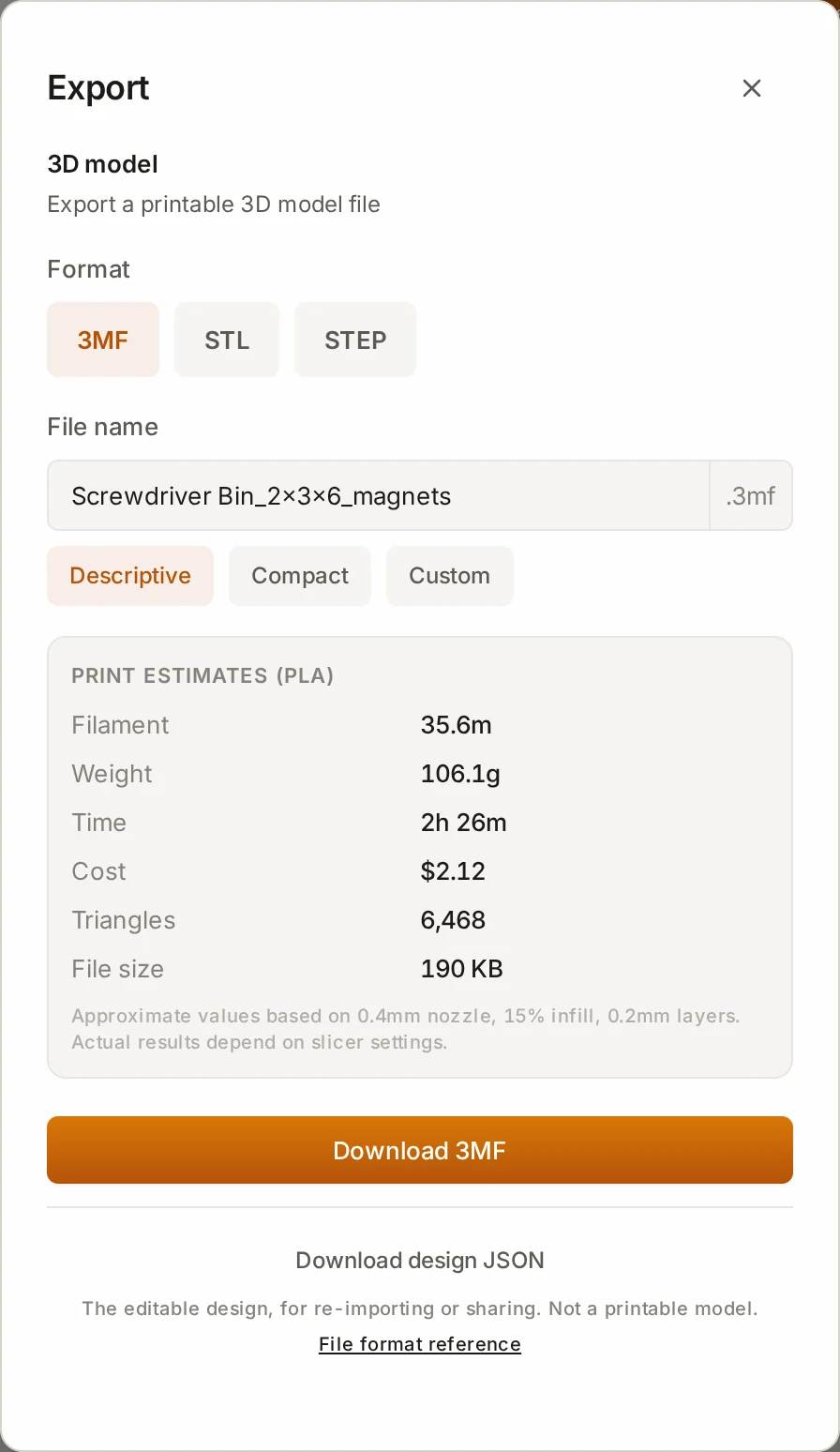
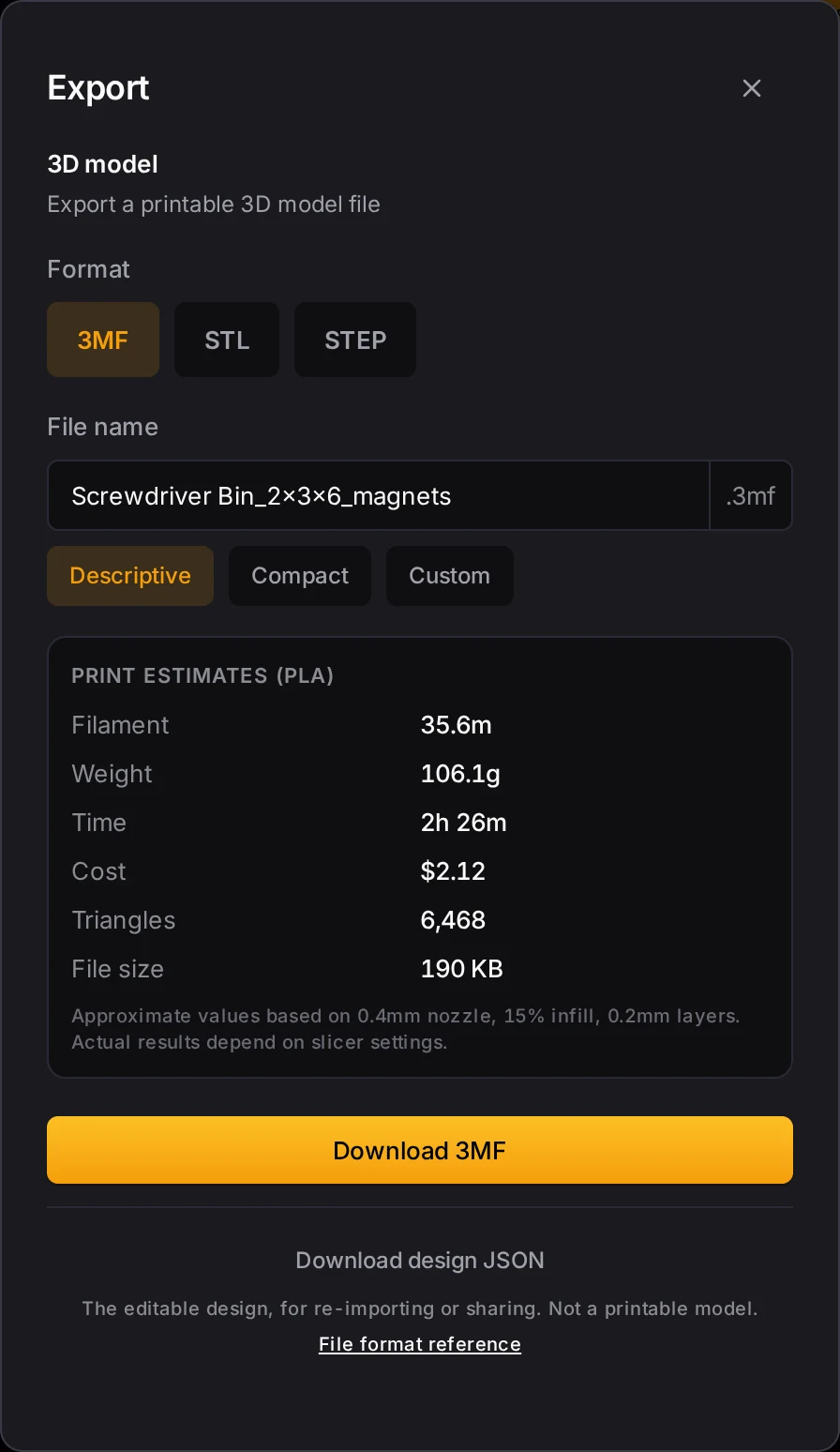
- Click Export.
- Under Format, pick 3MF, STL or STEP. STL is the default.
- Under File name, pick a style for the file name.
- Click the download button.
| Style | Bin example | Baseplate example |
|---|---|---|
| Descriptive | gridfinity_2x3x6_magnets.stl | gridfinity-baseplate-8x8-magnets.stl |
| Compact | gf_2x3x6.stl | gf-bp-8x8.stl |
| Custom | The name that you type | The name that you type |
A saved bin design puts its own name in front of the size, for example Screwdriver Bin_2x3x6_magnets.stl.
For a multi-color bin, the dialog picks 3MF for you and turns off STL and STEP, because those formats lose the colors. For a bin with an imported mesh cutout, the dialog turns off STEP.
Bins that are too big for the bed
A bin that is bigger than your print bed splits into pieces in all three formats. In STEP, the ZIP holds one STEP file for each piece. The lid, the dividers and other parts come as separate files in the same ZIP. See Fitting the print bed.
Save files to a folder or a server
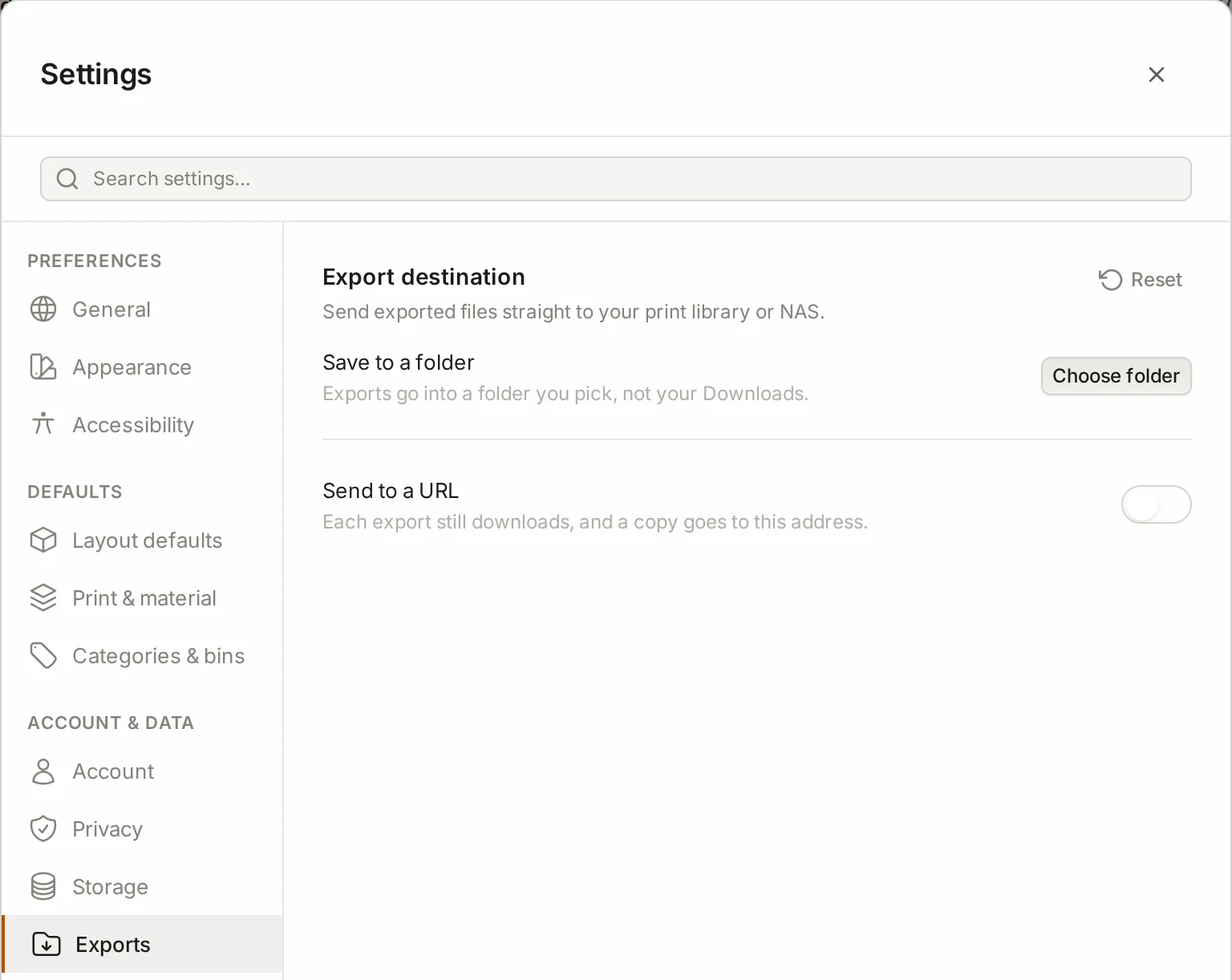
Each export goes to your downloads by default. Want it somewhere else? In Settings, the Exports tab has two other choices:
- Save to a folder saves each export in a folder that you pick. This needs Chrome or Edge.
- Send to a URL downloads the file and also sends a copy to a web address, such as a NAS.
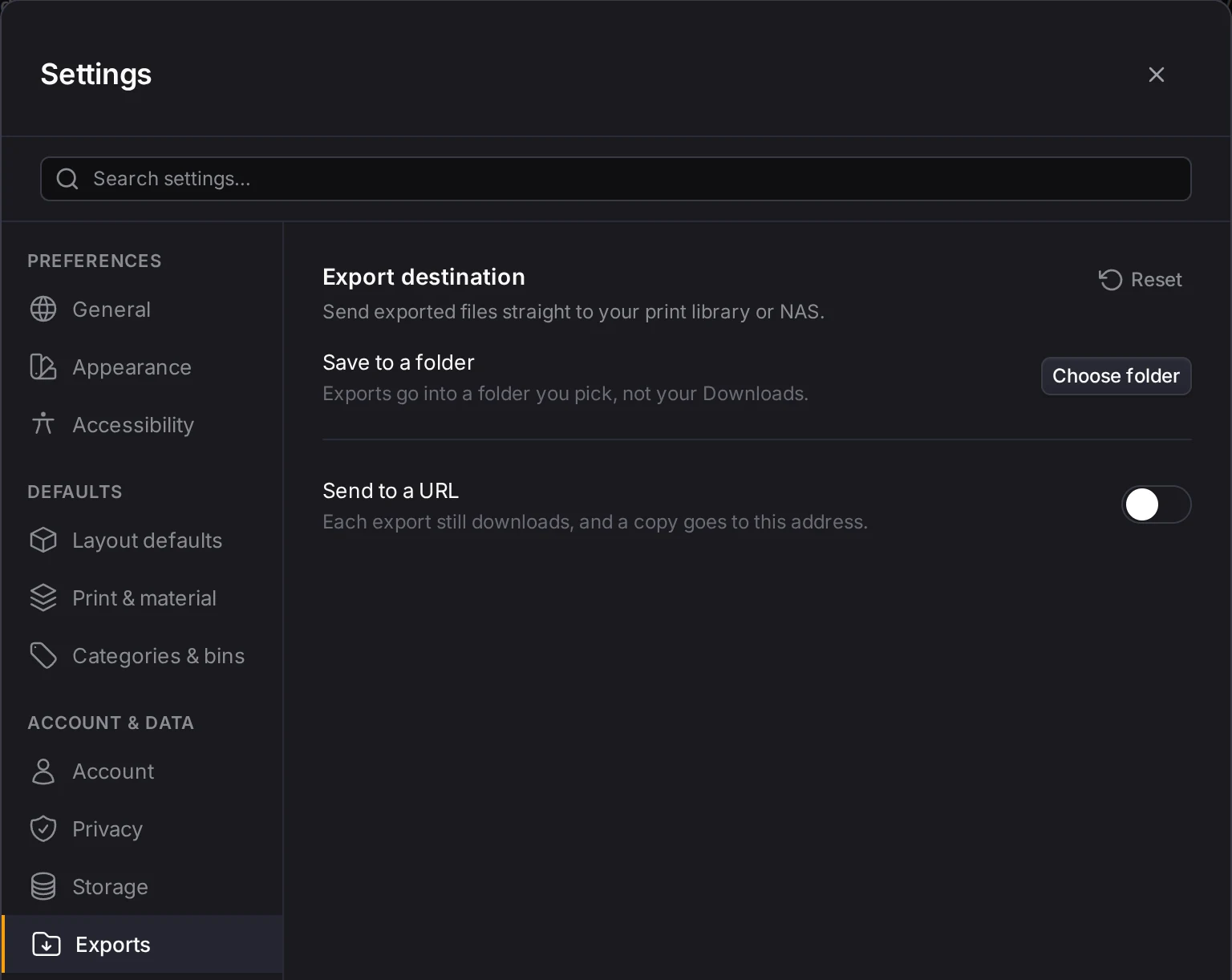
Settings and accessibility lists the other tabs of Settings.
Next steps
- The print list and ZIP export: export all the bins and the baseplate of a layout in one ZIP.
- Slicer setup: open the files in your slicer.
- Multi-color printing: set up the colors that a 3MF file carries.
- Preview and export: learn why an export takes longer than the preview.