Units and sizes
Will that stack of bins fit under the drawer above it? Gridfinity measures across the drawer floor in grid units and up from it in height units. Once you know how both turn into millimeters, you can answer that question before you print a thing.
Grid units and height units
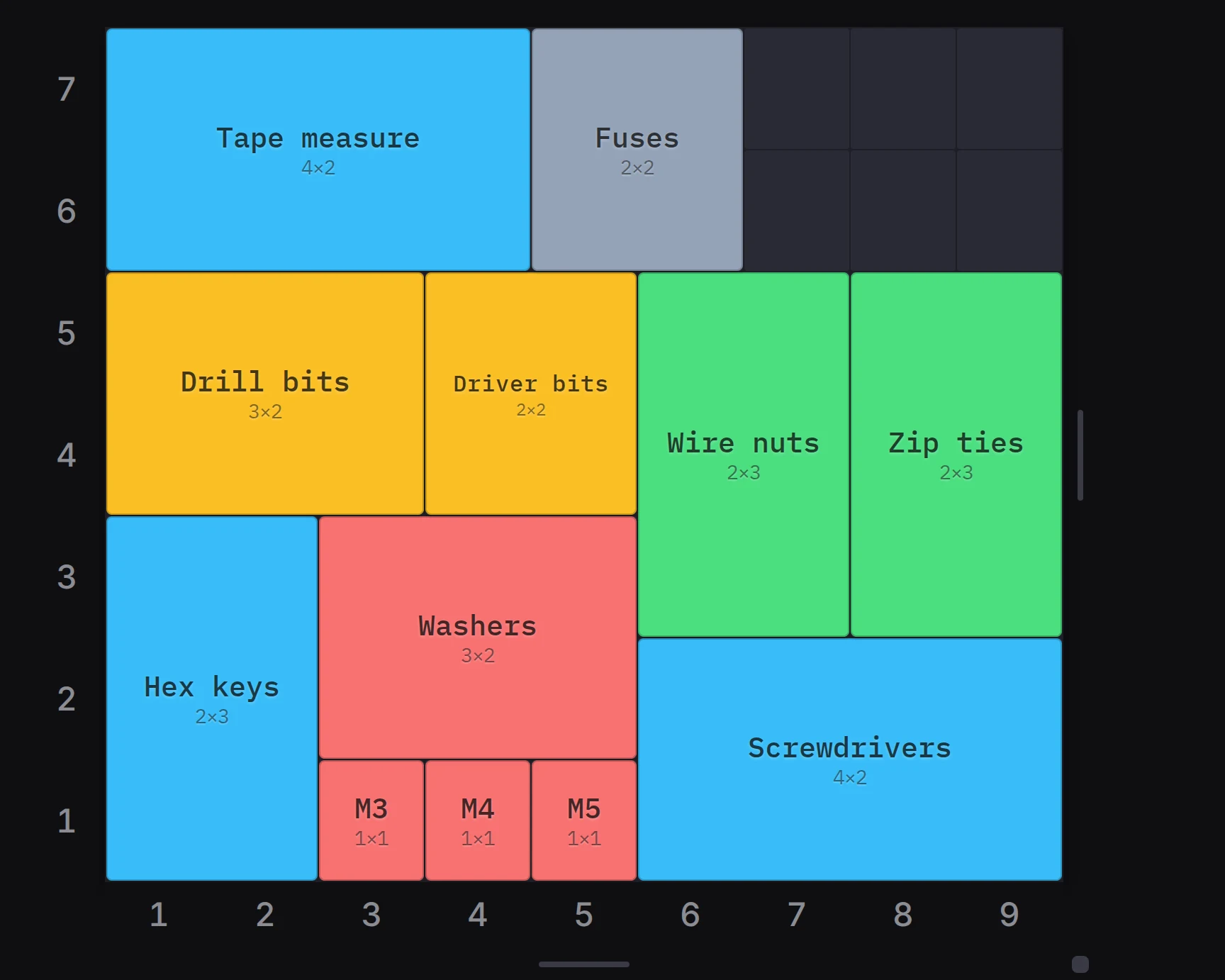
A grid unit is one square cell of the grid. On a standard Gridfinity grid, one grid unit is 42 mm wide and 42 mm deep. A bin of 2 × 3 grid units covers 84 mm × 126 mm of the drawer.
A height unit is 7 mm of height. The count starts at the bottom of the feet, so the first height unit holds the feet and the floor. The room for your items starts above it.
| Size | Millimeters on a standard grid |
|---|---|
| 1 grid unit, width or depth | 42 |
| 1 height unit | 7 |
| Body of a bin that is H units tall | H × 7 |
| Inside, from the floor to the wall top | 7 less than the body |
| Stacking lip on top of the body | 4.4 |
For example, a 3-unit bin has a body of 21 mm. The stacking lip adds 4.4 mm, so the bin prints 25.4 mm tall. Items up to 14 mm tall fit below the wall top.
The outer walls of a bin are 0.5 mm smaller than its cells, so a 1 × 1 bin measures 41.5 mm. That small gap lets the bin drop into a baseplate without force. The bin designer shows the room inside the walls as Inside, before dividers, scoops and label tabs.
Where you set the units
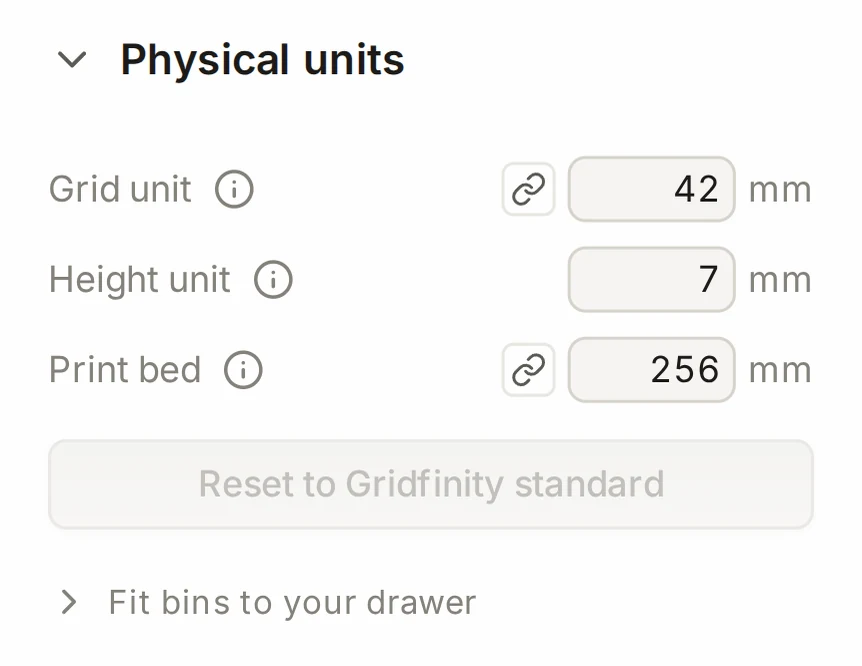
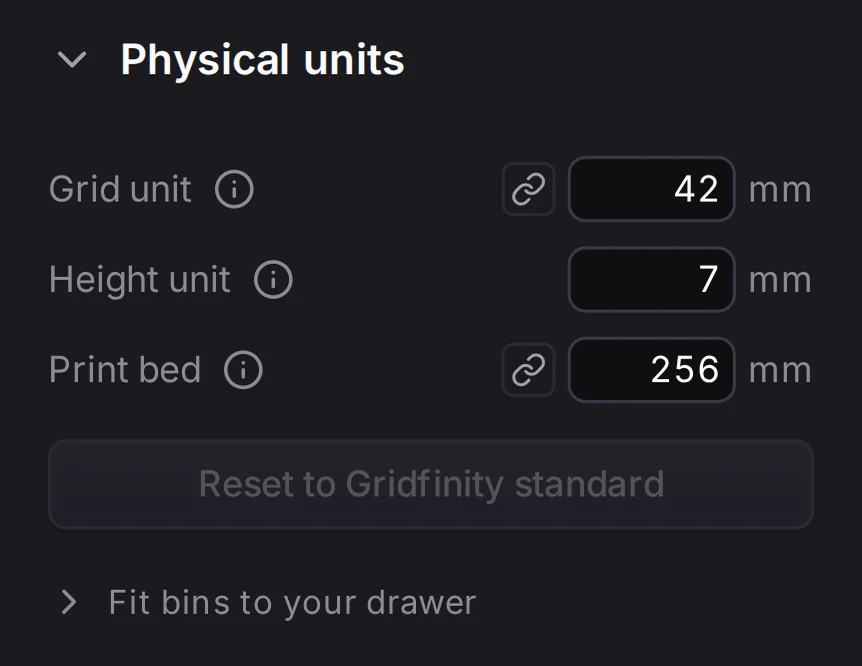
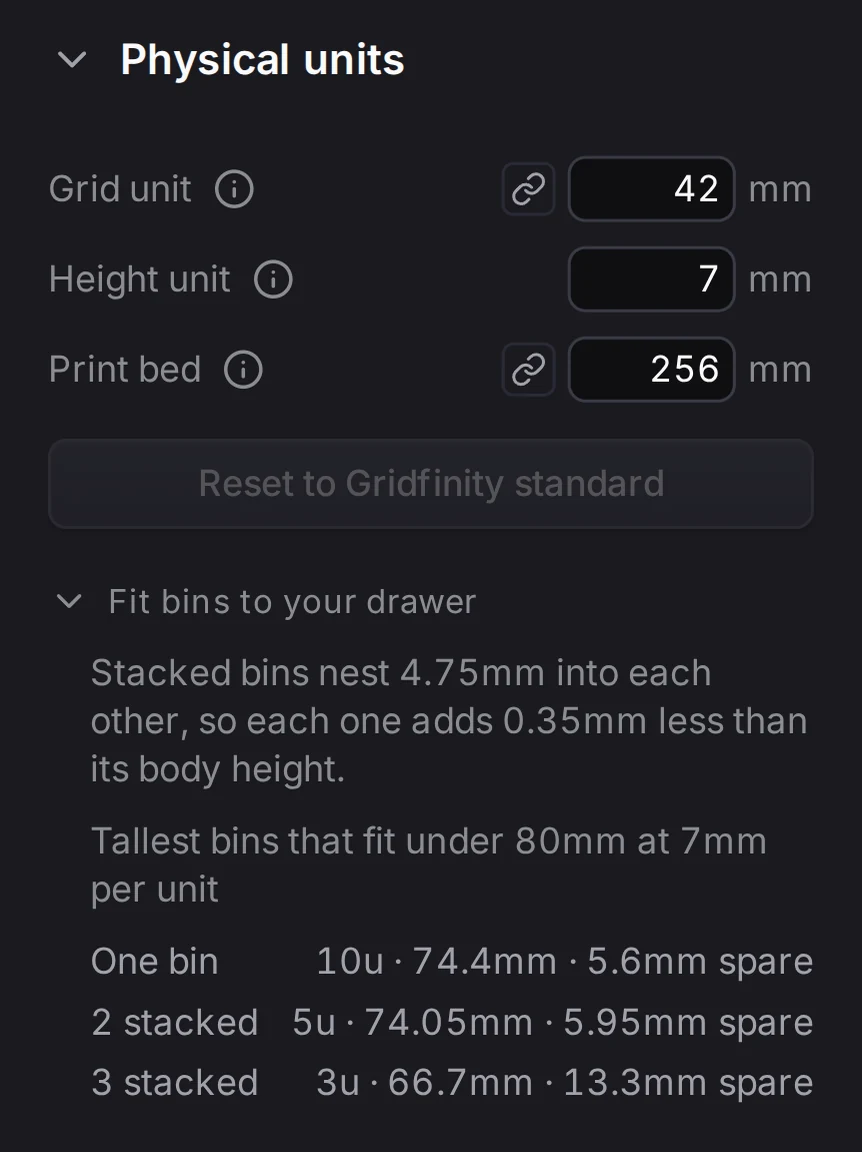
In the layout editor, open the Physical units group in the left panel. It holds three fields:
| Field | What it sets | Values |
|---|---|---|
| Grid unit | The size of one grid cell | 20 mm to 60 mm |
| Height unit | The size of one height unit | 3 mm to 20 mm |
| Print bed | The print bed size for this layout | See Fitting the print bed |
Want the standard back? Reset to Gridfinity standard sets 42 mm and 7 mm again.
The units belong to the layout, and all three tools share them. The bin designer shows the same grid unit and height unit in the Finishing group, under Physical units. The baseplate generator shows the same grid unit. Change a value in one tool, and the other tools use the changed value.
To pick the grid unit for each new layout, open Settings, then Layout defaults. Change Grid unit there.
Grids that are not 42 mm
Bins and baseplates from other Gridfinity makers use the 42 mm grid. Keep 42 mm if you want your parts to fit theirs. Change the grid unit when you build a system of your own, for example a 21 mm half-pitch grid or a 25 mm mini grid.
The grid unit field has a chain icon. Click the chain to unlink X and Y, then type a different pitch for the depth. A grid that is not square can fill a drawer that is not a multiple of 42 mm. Only the cell pitch stretches. Holes, corner radii, walls and the stacking lip keep their size.
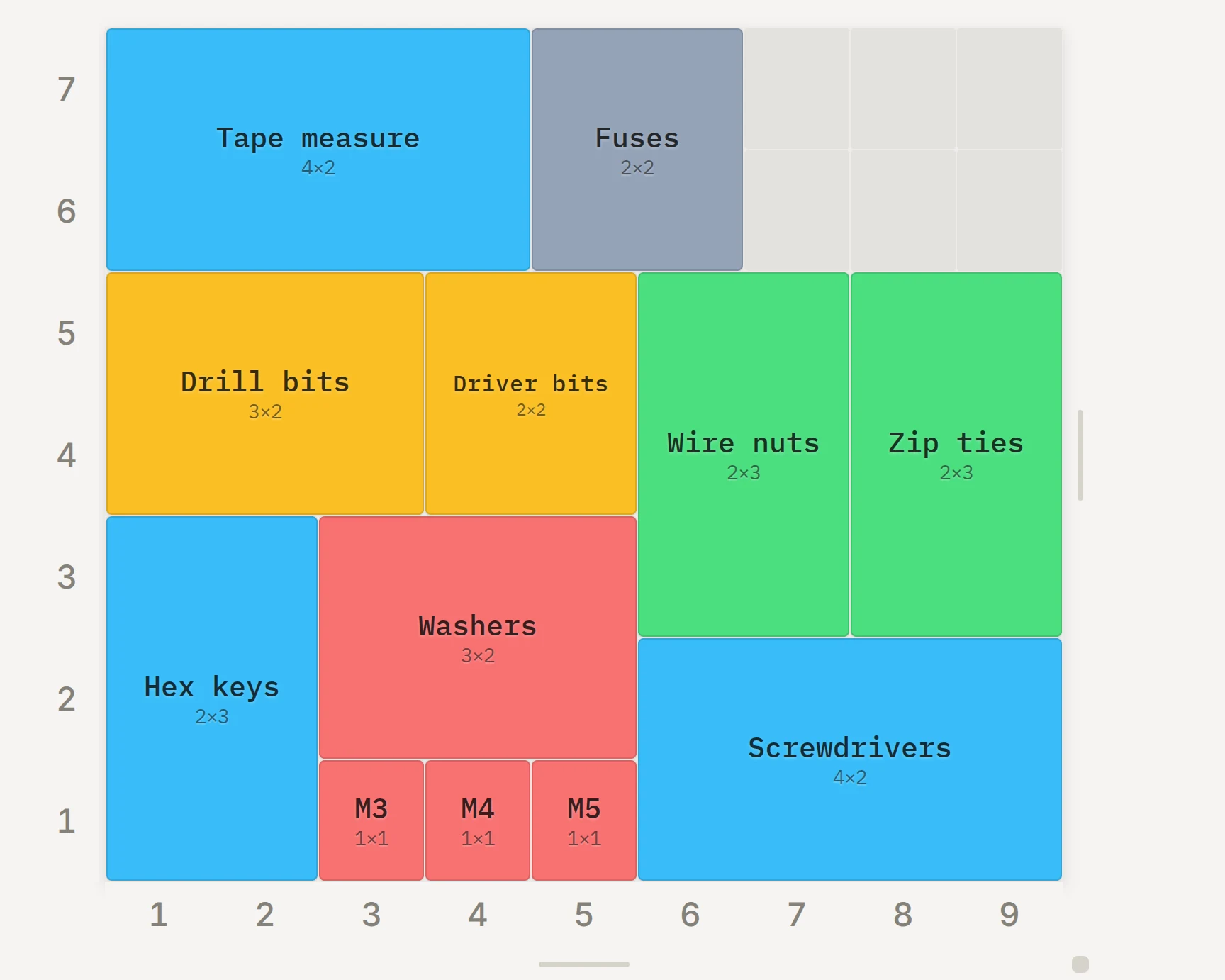
The bin designer uses the X and Y pitch of the open layout. A pitch that you change in the bin designer changes the grid of the layout too.
On a grid larger than 42 mm, the baseplate generator shows Magnet anchor. It sets where the magnet holes sit in each cell, for the baseplate, the bins and the lids together.
Half-grid mode
Half-grid mode lets bins use sizes and positions in steps of 0.5 grid units. It's handy when a drawer is a little too wide for whole cells. On a standard grid, a half step is 21 mm, so a 1.5 × 2 bin covers 63 mm × 84 mm. Press H to turn the mode on or off. The Layout Tool keeps your choice in this browser.
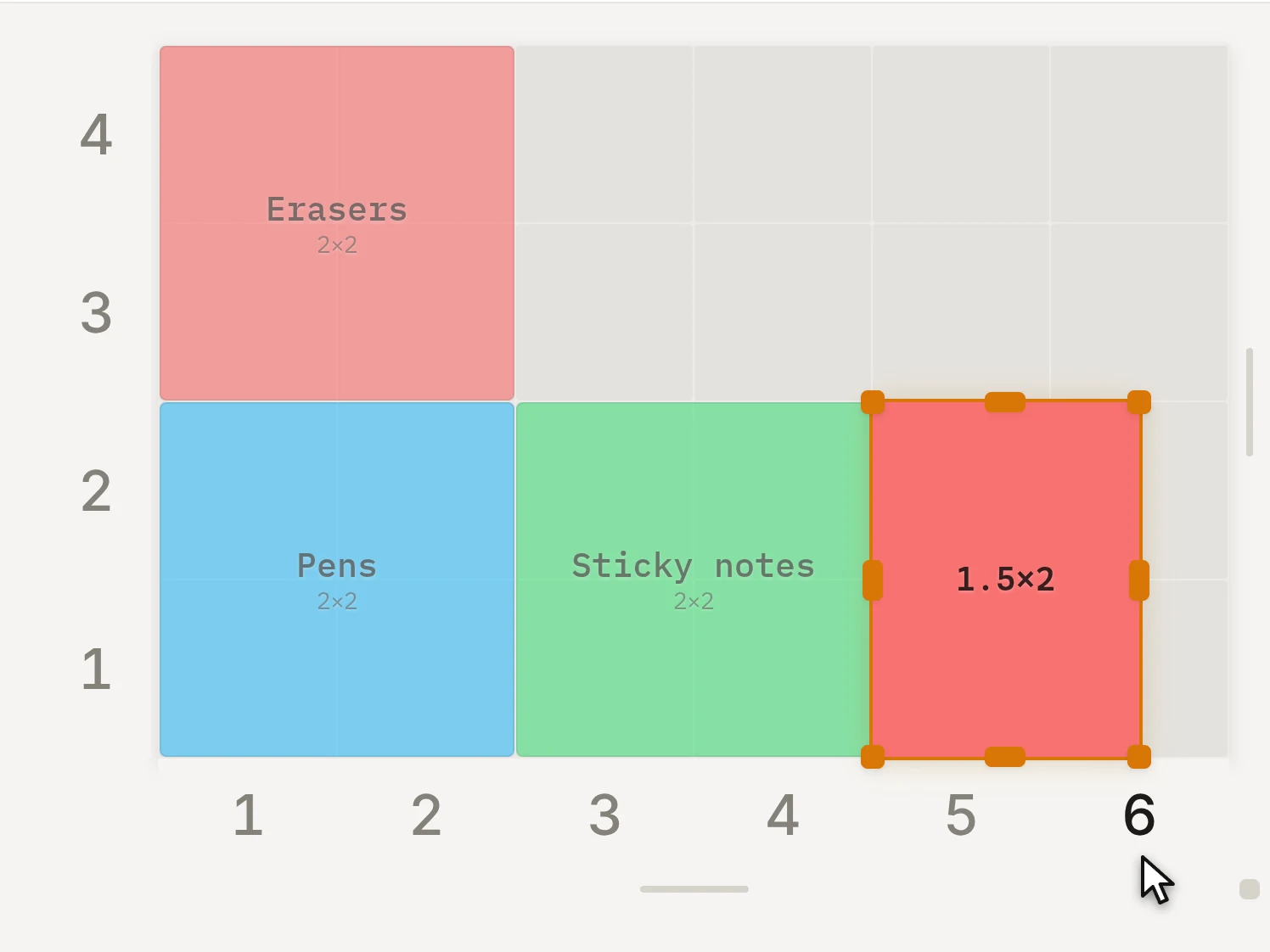
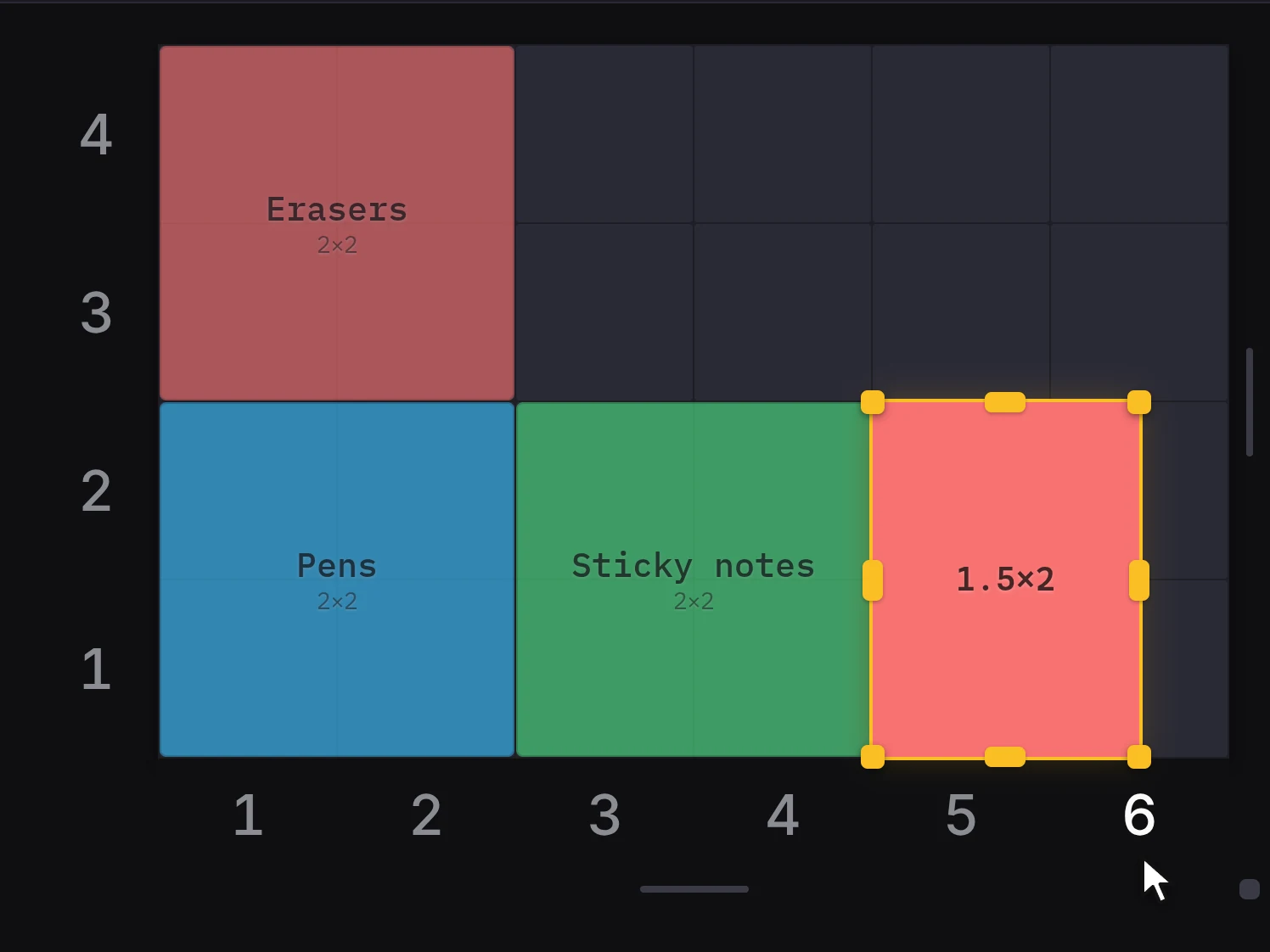
Half-grid mode doesn't change the feet of a bin. A 1.5 × 2 bin still has whole-cell feet, with a half-width foot at one edge. For a denser grid of feet, turn on Half sockets under Feet in the bin designer.
When the drawer width or depth ends in a half unit, Half-unit edge position appears. Use it to pick the side that gets the half column: Left or Right. For the half row, pick Bottom or Top.
INFO
You can't turn off half-grid mode while a bin has a half-unit size or position. The dialog that opens can move those bins to the stash and then turn off the mode, so you don't lose them.
How heights add up
The height in a drawer starts at the floor of the drawer and ends at the top of the highest stacking lip.
| Part | Height it adds |
|---|---|
| Plain baseplate under a bin | Nothing, because the feet sit in the pockets |
| Baseplate with magnet holes | About 0.6 mm more than the magnet depth |
| First bin of H units | H × 7 + 4.4 mm |
| Each bin stacked on top | H × 7 mm less 0.35 mm |
A baseplate with magnet holes has a floor under the magnets, so the bin sits higher. A solid floor under the plate adds its thickness in the same way.
Stacked bins nest a little, like stacked cups. A stacked bin sinks 4.75 mm into the stacking lip below it, which is the full height of its feet. That's why each bin on top adds a little less than its body height. Two 3-unit bins in a stack stand 46.05 mm tall without a baseplate.
You don't have to do this math yourself. Two tools do it for you:
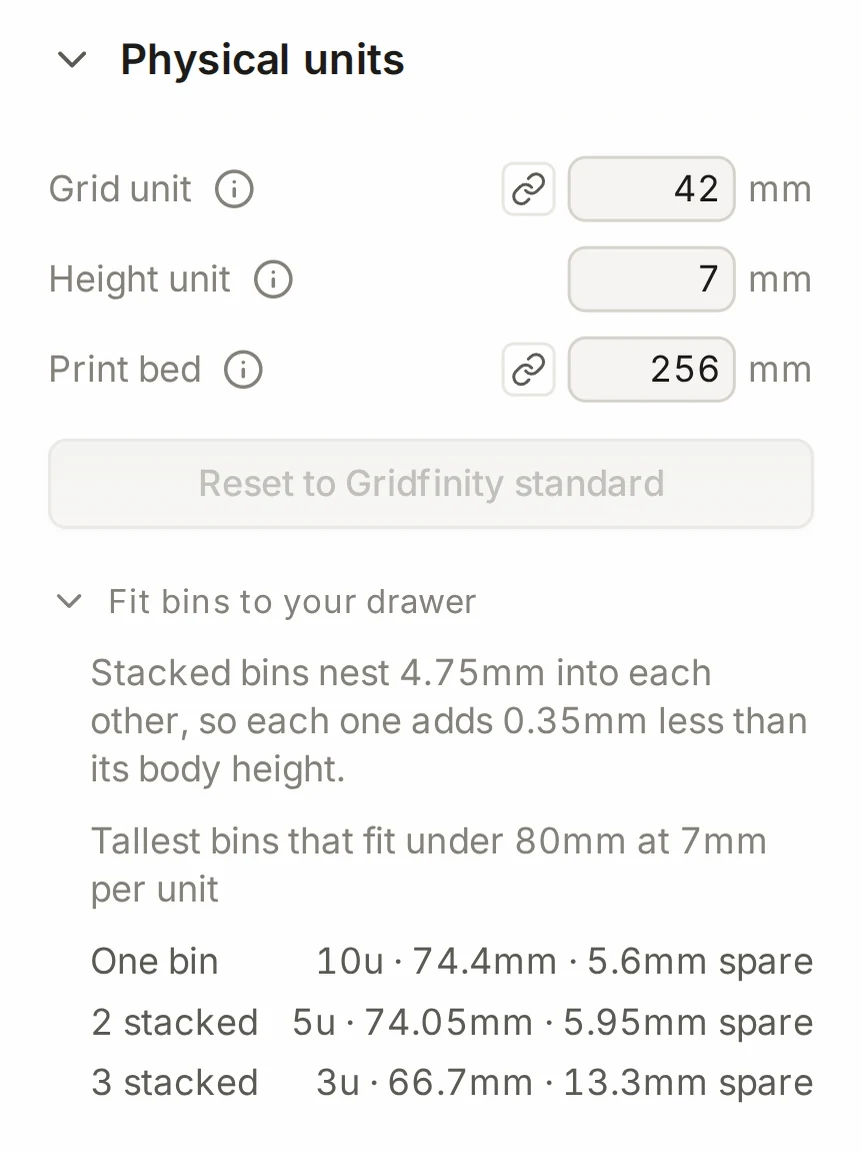
- In the layout editor, Fit bins to your drawer under Physical units lists the tallest bin heights that fit under your measured drawer height.
- In the bin designer, Assembled height under the dimensions shows the height of the bin on a baseplate, with its lid.
TIP
A layout with Low-profile base turned on in the baseplate generator uses feet that are 1.1 mm shorter. Each bin then gets 1.1 mm more room inside at the same height.
When it goes wrong
Your stack is taller than its height units
Measure the inside height of your drawer, and add it with Add your drawer's measured size in the Grid size group. Then open Fit bins to your drawer to see the bin heights that really fit.
Height units count only the bodies of the bins. The printed stack also has the 4.4 mm stacking lip on top, and a plate with magnet holes lifts every bin. The table in How heights add up shows each part.
Half-grid mode doesn't change the feet
Turn on Half sockets instead. In the bin designer, it's in the Base group, under Feet. Half-grid mode changes only the sizes and the positions of bins. The pattern of the feet stays the same.
A new bin doesn't fit the plate that you printed before
Open the layout of that drawer, then open the bin in the bin designer and export it again.
The bin designer takes the grid unit and the height unit from the open layout. So a bin that you export while another layout is open uses the units of that layout. Physical units, in the Finishing group, shows the units that the export uses. See A bin is too tight in the plate.
Next steps
- Set up the drawer: measure your drawer and turn the size into grid units
- Size and shape: set the width, depth and height of a custom bin
- Fitting the print bed: see when the Layout Tool splits a part for your printer
- Gridfinity dimensions: look up every Gridfinity measurement in one table