
Filament and time estimates
How much filament will this drawer take, how long will it print, and what will it cost? The Gridfinity Layout Tool gives you a quick estimate of all three before you slice. Use the estimates to plan a drawer and to compare designs, and use your slicer for the final numbers.
Where the estimates show
| Place | What it shows |
|---|---|
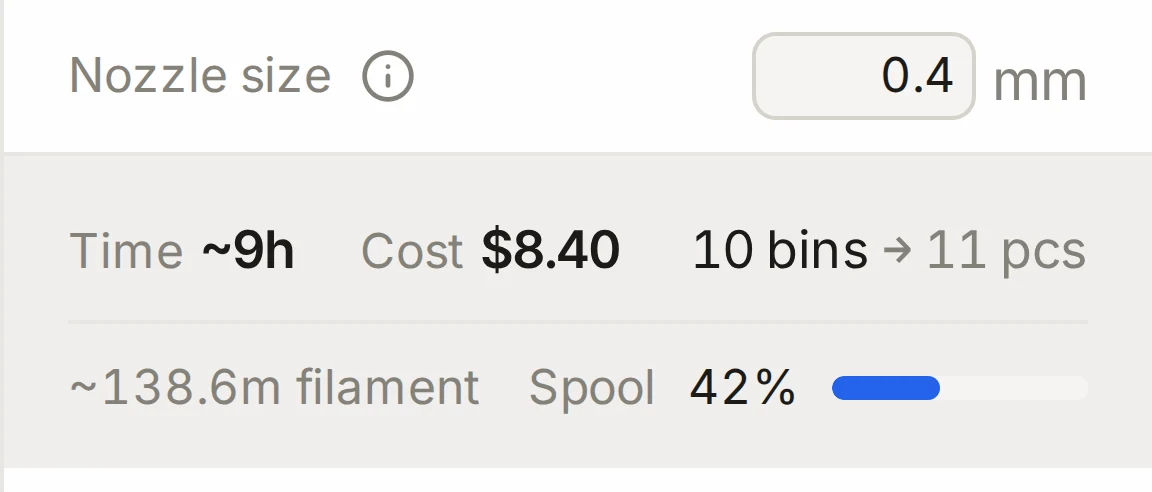
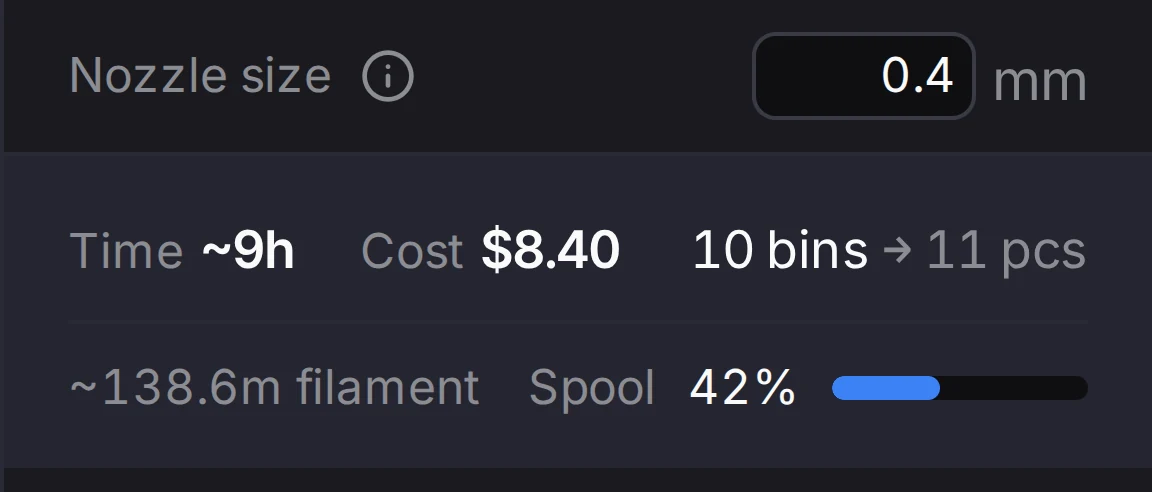
| Bin list in the layout editor | Filament in meters for each row. The summary shows the time, the cost, the filament and the part of a spool. |
| Bin designer, export dialog | Print estimates (PLA): filament, weight, time and cost, with the triangle count and the file size |
| Cutout fit test dialog | The cost of the test print and of the whole bin |
manifest.txt in the layout ZIP | Grams and time for each bin file, and the total |
| A 3MF file | The time and the grams, stored in the file |
| Community gallery | The time and the filament of a published design |
The baseplate generator shows no estimate. Slice the plate to get one.
What the estimates assume
The estimates use these values:
- PLA, at 1.24 g/cm³
- 1.75 mm filament, with about 330 m on a 1 kg spool
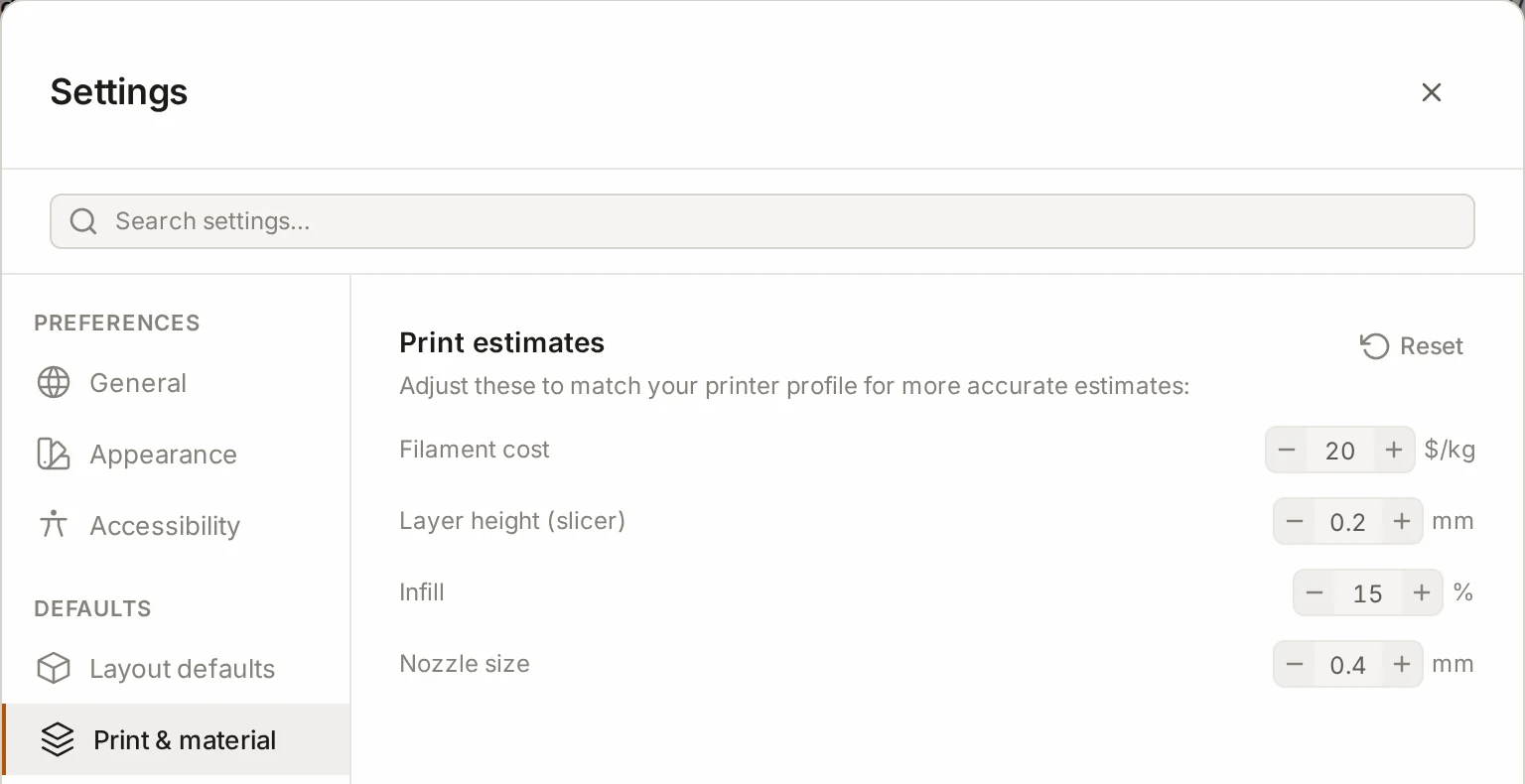
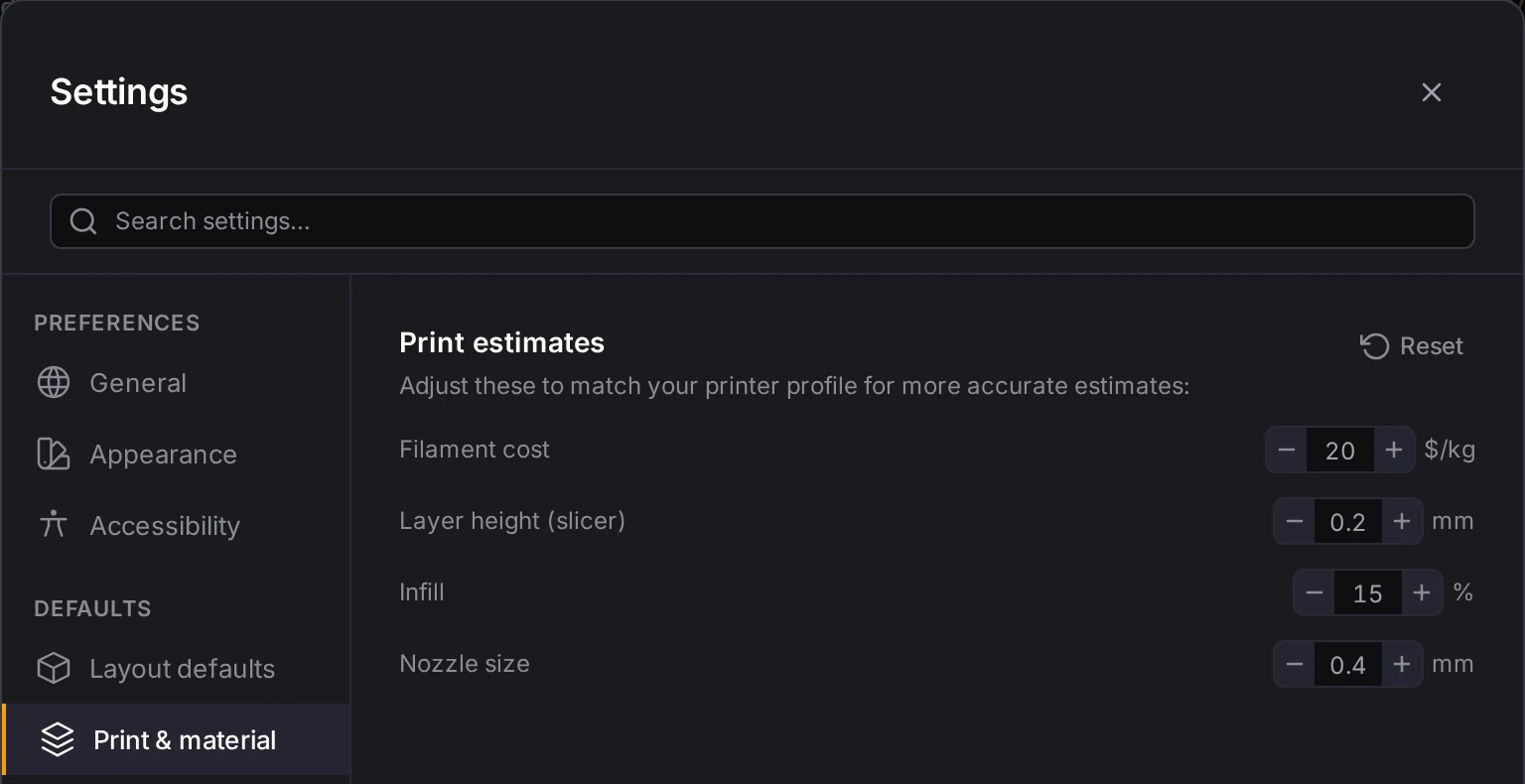
- The values in Settings, on the Print & material tab
Match the values in Settings to your own slicer and filament, and the numbers get closer to your real prints.
| Setting | Default | Effect on the estimate |
|---|---|---|
| Filament cost | $20 for each kg | The cost |
| Layer height (slicer) | 0.2 mm | Time. Thinner layers take longer: 0.12 mm takes about 1.67 times as long as 0.2 mm. |
| Infill | 15% | Time. Each percent above 15 adds 0.3%. |
| Nozzle size | 0.4 mm | Time. A 0.6 mm nozzle takes about two thirds of the time. |
For time, the model uses an average flow of 11 mm³ of plastic each second, for a 0.4 mm nozzle. It also adds 16 minutes for each print plate, for bed heating, the first layer and cooling. The bin list finds the number of plates from the total area of the bins and the size of your print bed.
The nozzle size changes only the time. A bin uses the same amount of plastic with any nozzle.
What each estimate counts
The bin list and the layout manifest know only the width, depth and height of each bin. So they count a standard bin: the walls, the floor, the feet and the stacking lip. They don't count cutouts, dividers or compartments. For standard bins from 1 by 1 by 2 to 4 by 4 by 6, this model is within about 2% of the real volume.
The estimate in the bin designer uses the full design, so it also counts the dividers, the label tabs and the scoops. Use it when a bin has many features.
A few cases change the count:
- A bin that is too large for the bed counts once for each piece.
- Bins in the stash aren't in the bin list.
- For an imported mesh design, the bin list uses the standard bin. The manifest uses the measured volume of the mesh when it has one.
How far to trust the estimates
The filament estimate is close for a standard bin, because the Layout Tool tuned its model against the solids that its own generator builds. The time estimate is less exact. Print speed depends on your printer and your slicer profile, so treat the time as a rough guide.
For the numbers that you plan with, slice the file. Your slicer knows your printer, your profile and the real shape.
In the community gallery, a design shows Estimated until a few people report their prints. After that, it shows the print times from those reports.
Next steps
- The print list and ZIP export: read the bin list and the manifest.
- Fit and tolerances: set the nozzle size for your printer.
- The community gallery: add your own print report to a design.