Gridfinity Bin Generator
A parametric bin generator that runs in your browser. Set your dimensions, add compartments or cutouts, check the 3D preview, and download an STL, STEP, or 3MF file. Nothing to install. Part of the Gridfinity Generator suite, which also includes the baseplate generator and the layout planner.
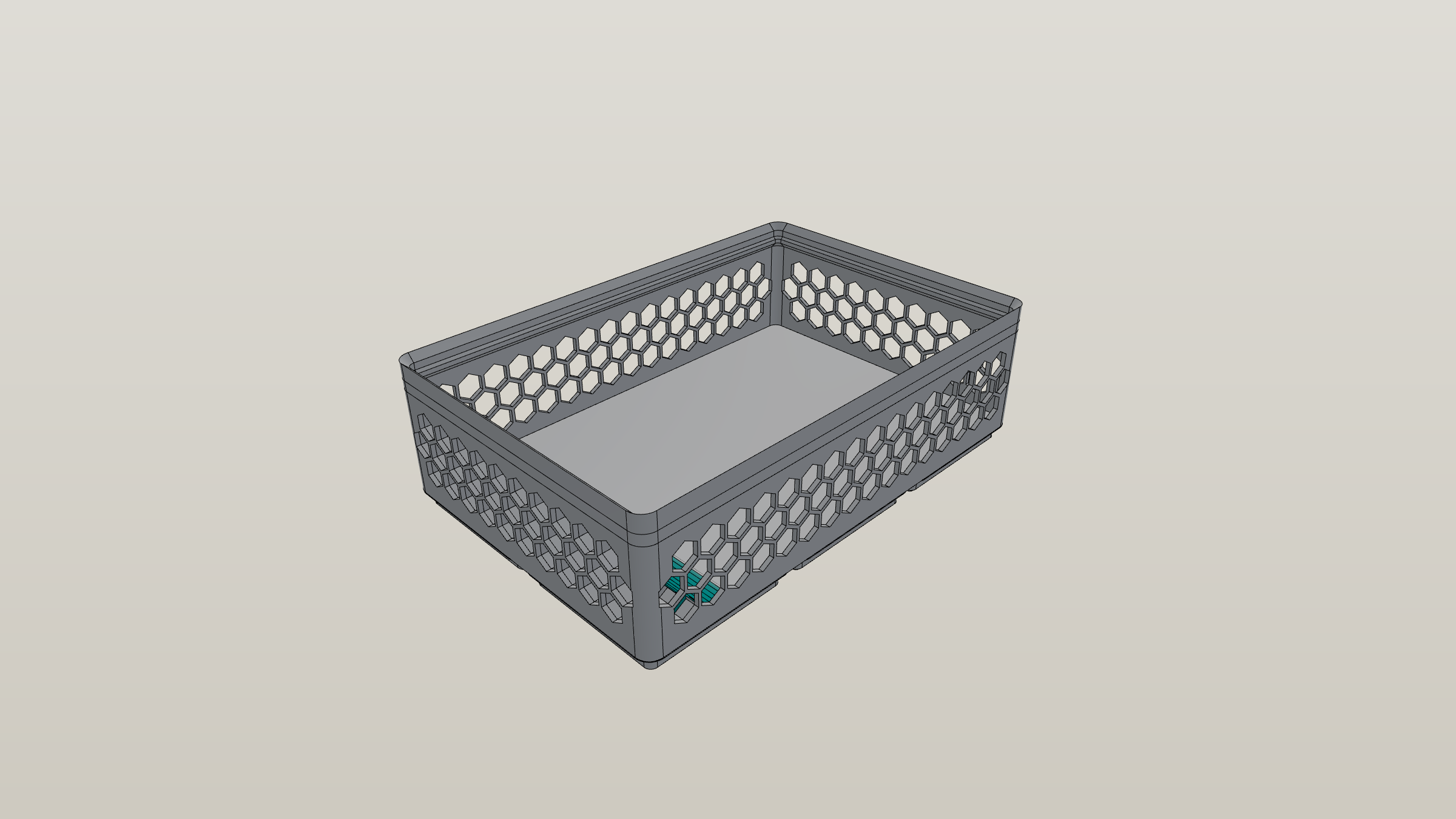
How It Works
- Set your size. Pick width, depth, and height in grid units. Need something between standard sizes? Half-bin mode gives you 0.5-unit precision.
- Add what you need. Compartments, wall cutouts, scoop ramps, label tabs — toggle them on and adjust with sliders.
- Check the preview. The 3D view updates instantly as you change settings. Rotate and zoom to see every angle.
- Download and print. Export as STL for your slicer, STEP if you want to edit in CAD, or 3MF for color and material support.
All processing happens locally. Your designs stay on your device unless you share them.
Features
Compartments. Split a bin into a grid of sections, up to 12×12. Divider walls generate automatically. You can export removable dividers as separate files if you want to reconfigure without reprinting.
Scoop ramps and wall cutouts. Scoop ramps make it easier to reach small parts at the bottom. Wall cutouts — U-shaped notches on any side — let you slide things out sideways.
Label tabs. A shelf on the back wall holds label strips. Choose bracket or solid support and set the width for each column.
For items that need to stay in place, floor inserts cut shaped cavities into the floor — circles for batteries, hexagons for bits, rectangles for components. Set the depth and rotation to match what you're storing.
The cutout editor handles unusual shapes. Switch to solid mode, carve from the top, and use the pen tool to draw freeform paths for wrenches, pliers, or anything with an odd profile. It also imprints a cavity from an imported STL — see the cutout generator.
Base Attachment Options
Choose how the bin connects to your baseplate:
- Standard — the default Gridfinity socket
- Magnet — embedded cavities for 6mm×2mm magnets
- Screw — holes for threaded inserts
- Magnet & Screw — both methods for maximum hold
- Weighted — heavier base without magnets
- Flat — no socket, for use without a baseplate
Export Formats
| Format | When to Use It |
|---|---|
| STL | Send it straight to your slicer. Works with PrusaSlicer, Cura, OrcaSlicer, and everything else. |
| STEP | Open in Fusion 360, FreeCAD, or SolidWorks to make further edits before printing. |
| 3MF | Includes color and material metadata. Good for multi-material printers. |
Why This Instead of OpenSCAD?
OpenSCAD gridfinity generators work, but you need to install software and edit code to change a parameter. This runs in your browser with a visual interface. You see the result immediately instead of waiting for a render.
It also exports STEP and 3MF — not just STL — and works on your phone if you need to check something on the go.
Next Steps
New to Gridfinity? Read What is Gridfinity? for the basics. Already know what you need? Check the sizes reference to figure out your dimensions, or jump into the planning guide to lay out a whole drawer. For a drawer planned end-to-end, see the tool drawer and kitchen drawer walkthroughs.